
Search Fulton County Court Records
The main Fulton County court records path begins with the Clerk's Find a Case page, then moves into the Fulton Odyssey Portal for Superior Court and Magistrate Court records. The Clerk of Superior and Magistrate Courts also points users to re:SearchGA, a statewide search system that can help when a case spans courts or the local portal does not expose the expected result.
Fulton County court records are not held in one database. Felony, divorce, equity, land-title, and major civil cases generally point to Superior Court. Small claims, dispossessory actions, garnishments, warrant-related filings, and first appearances can point to Magistrate Court. State Court handles many misdemeanor, traffic, and civil matters. Probate filings, marriage licenses, and weapons carry services use Probate Court, while Atlanta and other city citations can remain in municipal court systems.
- Identify the court from the case type, citation, agency, or document name before searching.
- Use the Fulton Odyssey Portal for Superior Court and Magistrate Court case records.
- Search by case number when possible, or search by party name with date and case-type filters.
- Check re:SearchGA if the local portal does not show a case or if statewide court coverage is useful.
- Use Clerk records services, public terminals, or eCertification for older files, blocked documents, and certified copies.
The Judicial Council of Georgia site provides statewide court-system context that helps explain why Fulton County records may sit in Superior, State, Magistrate, Probate, Juvenile, or Municipal courts rather than one countywide index.
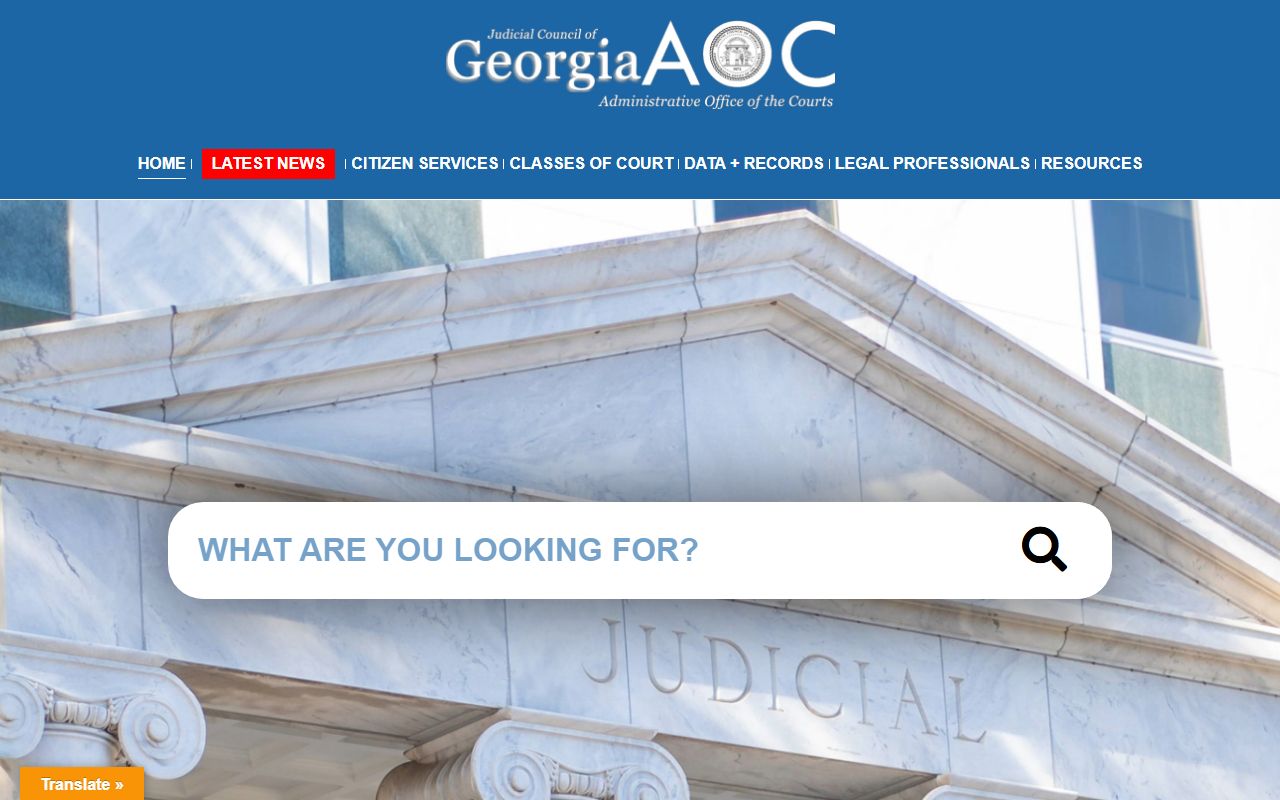
The statewide court site is useful background, but Fulton County court records still have to be verified through the court or clerk that owns the case file.
Fulton County Court Records Search Fields
The Fulton Odyssey Portal and re:SearchGA use search fields that reward precise information. A case number is best, but a name search can work if the spelling is close and the search is narrowed by court, case category, or filing date. Business names should be searched with fewer words first because punctuation and suffixes can vary.
| Field Label | Type | Required | Notes / Format |
|---|---|---|---|
| Smart Search | Text | No | Enter record number, party name, business name, or attorney name. |
| Search by Case Number | Text | No | Best for known case IDs; exact formatting improves results. |
| Search by Name | Text | No | Use a person or business name; fewer terms help when spelling is uncertain. |
| Advanced Search | Panel | No | Adds court, date, case category, party role, and status filters when available. |
| Location / Court | Dropdown | No | Fulton Superior and Magistrate appear locally; re:SearchGA offers broader court choices. |
| Case Category | Dropdown | No | Civil, criminal, domestic, magistrate, and related categories may appear. |
| Date Filed From / To | Date | No | Use a date range to reduce false matches in common-name searches. |
| Status | Dropdown | No | May include open, closed, disposed, pending, inactive, or portal-defined values. |
The Georgia superior court system is described on the Council of Superior Court Judges page, which helps explain why Fulton Superior Court records include felony, divorce, equity, and land-title matters.
Those statewide court descriptions do not replace Fulton County portal searches, but they help route court records to the right court before a copy request is sent.
Fulton County Court Record Types
Fulton County court records cover several record groups. Civil records can include complaints, answers, motions, service returns, orders, judgments, garnishments, liens, and appeals. Criminal records can include indictments or accusations, arraignment entries, motions, pleas, verdicts, sentences, probation terms, and post-conviction filings. Family records include divorce, custody, support, legitimation, contempt, and related domestic filings, though minor and financial details may be redacted.
Probate Court maintains estate, guardianship, conservatorship, marriage-license, and weapons-carry records through its own office. State Court and municipal courts may hold traffic and misdemeanor records that do not appear in the Fulton Superior and Magistrate portal. A Fulton County arrest record is different from the court record; the booking side belongs with sheriff or jail records, while the case file belongs with the court once charges are filed.
- Civil files include pleadings, service, orders, judgments, liens, garnishments, and appeals.
- Criminal case files show filed charges, arraignment, motions, plea or trial events, disposition, and sentence.
- Family records include divorce and custody filings, with restrictions for minors and sensitive financial details.
- Probate records include estates, wills, letters, guardianships, conservatorships, and marriage records.
- Traffic records may sit in Fulton State Court or in the municipal court that issued the citation.
What Fulton County Court Records Show
A Fulton County court record is usually read from the header down to the docket. The header identifies the court, case number, case type, filing date, status, and judicial officer if that information is public. The party area identifies plaintiffs, defendants, petitioners, respondents, the State, attorneys, and party roles. The docket then lists filed documents, hearing settings, calendar notices, orders, continuances, judgments, dismissals, dispositions, and notices of appeal.
| Field | What It Shows |
|---|---|
| Case Number | The court-specific identifier used by Superior, State, Magistrate, Probate, or Municipal Court. |
| Case Style | The caption, such as State v. defendant, plaintiff v. defendant, or petitioner v. respondent. |
| Parties | Names, roles, attorneys, and service information when public. |
| Docket Entries | The chronological list of filings, hearings, orders, continuances, judgments, and dispositions. |
| Documents | Public document links when available; some images are blocked, fee-gated, sealed, or by request only. |
| Financial Fields | Fines, costs, restitution, bond, judgment amounts, or payment entries when shown by the system. |
Fulton County court records often require context. A docket entry may show that an order was signed without showing the full order image. A criminal docket may list a charge that was later reduced or dismissed. A family docket may show a decree without exposing protected details about children or finances.
Public Access to Fulton County Records
Georgia court case records are generally public unless a statute, rule, redaction requirement, or court order restricts access. The Georgia Open Records Act is important for county agency records, while court files usually move through the clerk or court that maintains the case. Fulton County administrative records can use the county open-records process, but a certified court document should be requested through the Clerk or the correct court office.
For Fulton County court records, public access can mean an online docket, a courthouse public terminal, a clerk copy request, or an electronic certified copy. It can also mean a referral to another court. Atlanta municipal citations, Probate Court estate records, State Court misdemeanors, and juvenile matters have separate access rules. Under Uniform Superior Court Rule 21, limits on Superior Court file access require court procedures and findings rather than an informal choice by a records counter.
The Georgia Attorney General open-government page gives statewide access-law context for public records, including the Open Records Act.
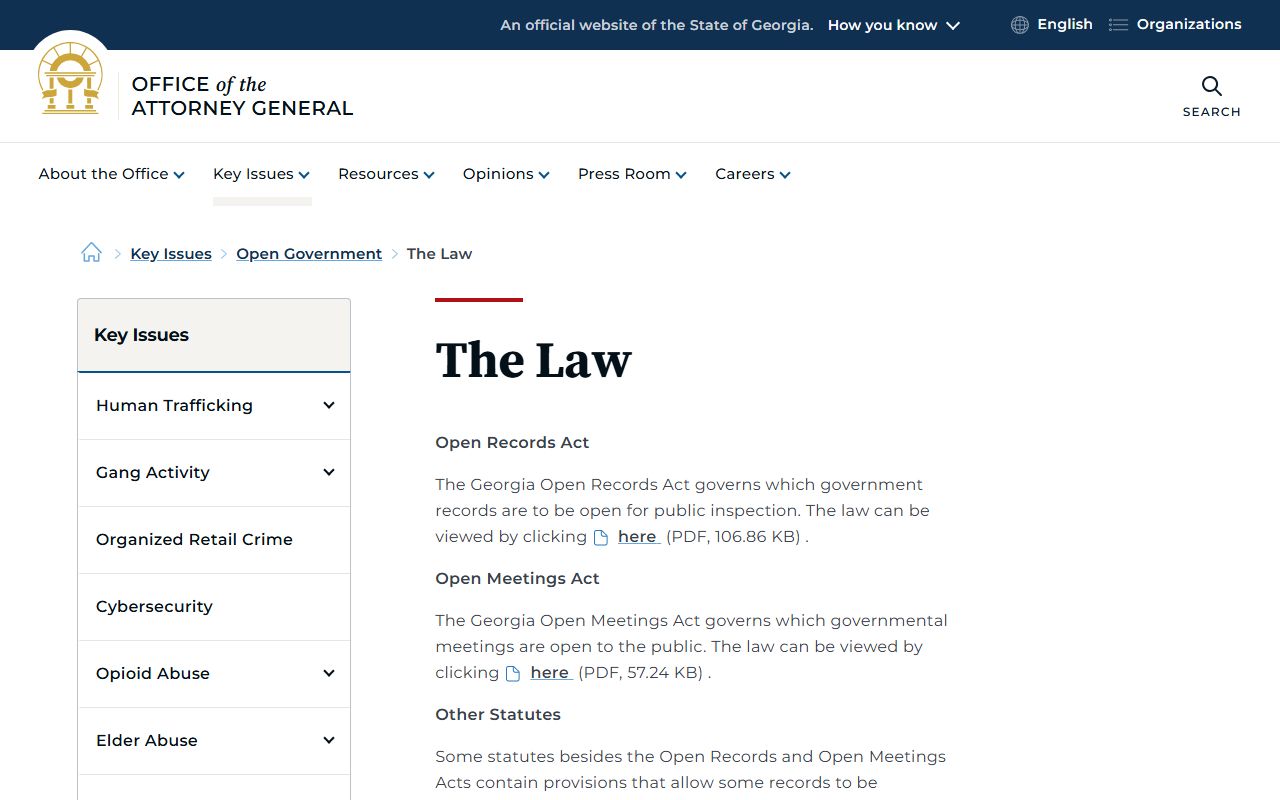
That open-government source is useful for agency records, while Fulton court case files still route through the court or clerk that keeps the case.
Note: Certified copies are ordered through court or clerk channels; a portal printout is usually not an official certified record.
Restricted Fulton County Court Records
Some Fulton County court records are not open to ordinary name searches. Juvenile dependency, delinquency, and children-in-need-of-services files are restricted. Adoption files are confidential. Sealed records may show no public case, a limited docket, or a sealed entry. Mental health, competency, treatment, medical, and victim-safety information can be redacted or withheld.
Georgia's record-restriction process, often called expungement in everyday speech, can limit public dissemination of eligible criminal history entries. The research file points to GBI criminal history and GCIC information for that statewide process. Record restriction does not erase every court reference in every setting, and authorized users may still see records in lawful circumstances.
- Docket
- The chronological event list in a case.
- Disposition
- The outcome of a charge, claim, or case.
- Sealing
- A court order restricting public access to a file or document.
- Record restriction
- Georgia's process for limiting public dissemination of eligible criminal history entries.
Visit Fulton County Record Offices
Online search is only one access channel. Older files, sealed-file questions, copy estimates, public terminal searches, and certified records often require direct contact with the Clerk of Superior and Magistrate Courts or the court that owns the file. The Clerk's public-facing office is tied to the Lewis R. Slaton Courthouse in downtown Atlanta, while State Court and Magistrate Court also use the Central Avenue courthouse area for many matters.
Clerk of Superior and Magistrate Courts
136 Pryor Street SW
Atlanta, GA 30303
404-613-5313
Check division pages before traveling.
Fulton County State Court
185 Central Avenue SW
Atlanta, GA 30303
State Court misdemeanor, traffic, and civil records.
Use enough detail in any request: case number, party names, filing date range, case type, document title, and whether a plain, certified, exemplified, or electronic certified copy is needed. For a broader case-file overview, the Fulton County court dockets page explains how docket entries differ from full records.