
Fulton County Court Docket Basics
A docket is the running event list for a court case. In Fulton County, a docket may show the complaint, answer, indictment, accusation, hearing notice, motion, order, continuance, plea, judgment, sentence, dismissal, or notice of appeal. It lets a reader follow what happened and what is scheduled next, even when document images are not available to the public.
Dockets are not the same as the full case file. A docket entry may say that a motion was filed, but the motion image may be restricted, fee-gated, or available only through the Clerk of Superior and Magistrate Courts. The full Fulton County court records search path is broader because it includes document copies, certified records, and clerk service channels.
- Docket
- The chronological event list in a case.
- Filing
- A document submitted to the clerk for the case record.
- Order
- A judge's written ruling.
- Disposition
- The outcome of a claim, charge, or case.
Search Fulton County Court Dockets
For Superior Court and Magistrate Court docket entries, start with the Fulton Clerk Find a Case page and the Fulton Odyssey Portal. If the local portal does not show the expected case, re:SearchGA may provide a statewide path for participating Georgia courts. State Court, Probate Court, and municipal dockets must be checked through the court that owns the case.
- Identify the court from the case type, ticket, summons, warrant, or filing notice.
- Open the Fulton Odyssey Portal for Superior or Magistrate Court docket records.
- Search by case number first, or use a party name with court and date filters.
- Open the case summary and review events in date order.
- Use the clerk or court office when a docket entry refers to a document that is not viewable online.
The docket may be enough to confirm a hearing date, case status, or disposition. It is not enough when a certified order, decree, indictment, sentence, or judgment is required for official use.
Fulton County court dockets also help separate a case that is merely scheduled from a case that has been decided. A future hearing entry does not prove that a motion was granted or that a charge was resolved. A disposition entry, signed order, judgment, or sentence entry is stronger proof, but the best official proof is still the certified copy from the clerk or court that owns the file.
When the docket search fails, the next step is not always a broader name search. It may be a different court. A felony defendant may have a Magistrate Court first appearance before the Superior Court case opens. A city traffic case may sit in Atlanta Municipal Court or another municipal court instead of the county portal. A probate matter may be in Probate Court, and a juvenile docket may be restricted from ordinary public lookup. Routing by court first reduces false matches and missed records.
Fulton County Docket Entry Fields
Fulton County docket entries should be read field by field. The date tells when the event was entered or scheduled. The event type tells what happened. The party or attorney field can show who filed the document. The hearing field can show the date, time, courtroom, judge, or event type if the system publishes that information.
| Field | What It Shows |
|---|---|
| Entry Date | The date the filing, order, event, or calendar notice was entered in the case record. |
| Event Type | The action, such as motion filed, order signed, hearing set, plea, sentence, or dismissal. |
| Party / Attorney | The person, party, prosecutor, defense lawyer, or civil attorney tied to the event when shown. |
| Hearing Detail | Hearing date, time, courtroom, type, and judge if public and published. |
| Document Link | A link where public images are available; restricted or paid images may not display. |
| Result / Disposition | The outcome of a hearing, charge, claim, or case when the court has entered it. |
The Fulton Superior Court accountability courts page is one example of how specialized calendars can affect docket records. Treatment-court reviews, compliance hearings, sanctions, incentives, graduation, or termination may appear as docket events when tied to a criminal case.
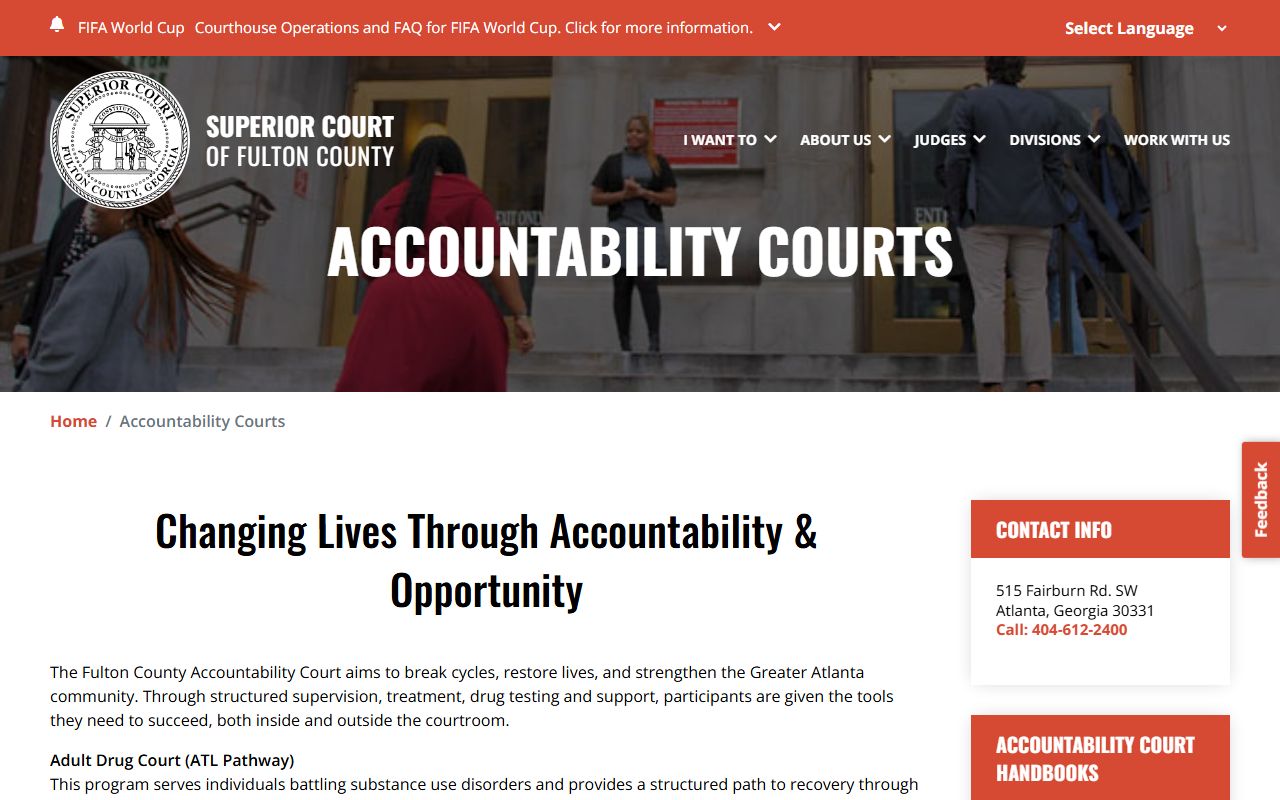
Those program pages explain why some criminal dockets have repeated status events rather than a straight path from arrest to trial.
Fulton County Courts With Dockets
Fulton County has several docket sources because the court system is layered. Superior Court is the general-jurisdiction trial court and handles felony cases, divorce, equity, land-title matters, major civil cases, and appeals from lower tribunals. State Court handles many misdemeanor, traffic, and civil matters. Magistrate Court handles small claims, dispossessories, garnishments, warrant applications, preliminary hearings, and first appearances.
Probate Court, Juvenile Court, and municipal courts use separate access paths. Probate dockets involve estates, wills, guardianships, conservatorships, marriage licenses, and weapons carry matters. Juvenile records are strongly restricted. Municipal courts, including Atlanta Municipal Court, may hold ordinance and traffic docket records outside the county portal.
The Fulton Superior Court family division page shows why domestic-relations docket entries may involve divorce, custody, support, legitimation, contempt, and protected family details.
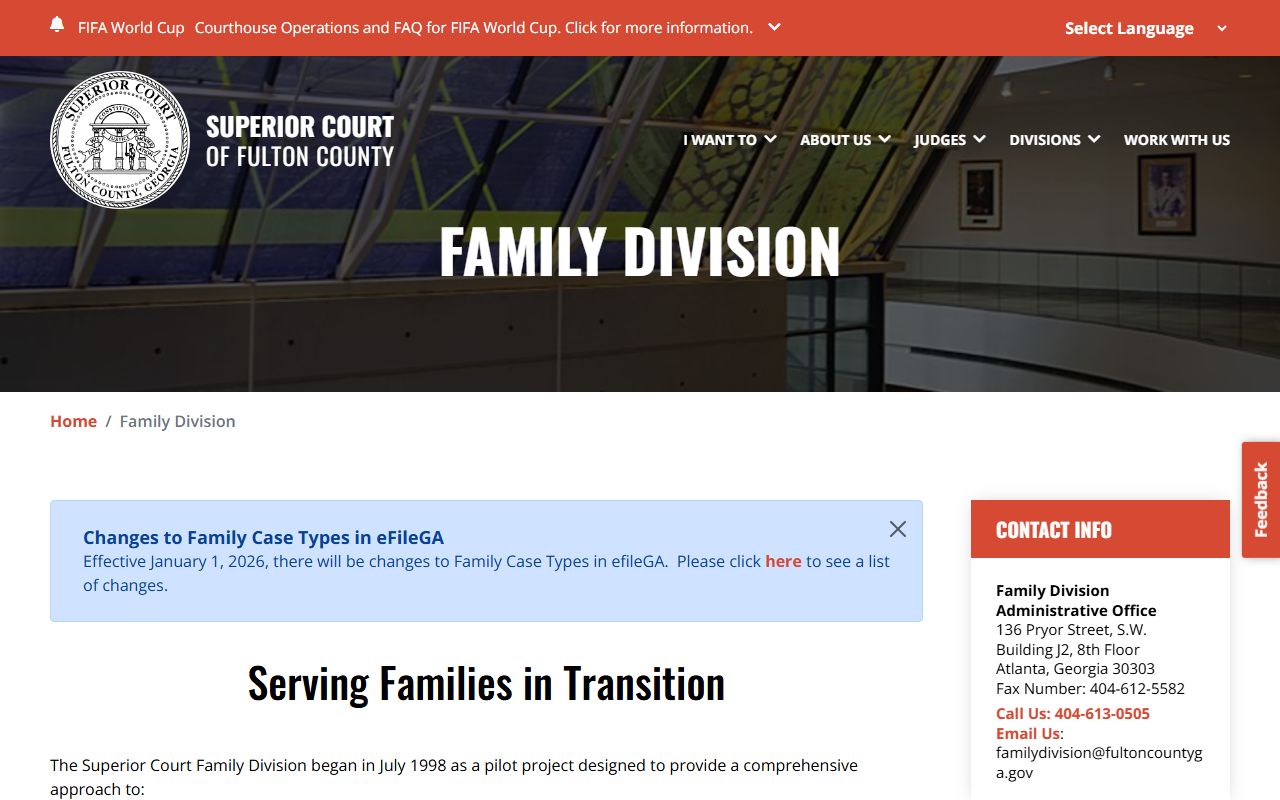
Family division information is useful for routing, but sensitive minor and financial information may still be redacted from public docket records.
| Court | Main Record Path | Common Docket Events |
|---|---|---|
| Superior Court | Fulton Odyssey Portal and Clerk services | Felony hearings, divorce filings, motions, orders, judgments, appeals. |
| State Court | State Court channels | Misdemeanor, traffic, and civil docket events. |
| Magistrate Court | Fulton Odyssey Portal and court channels | Dispossessory, small claim, garnishment, warrant, first appearance. |
| Probate Court | Probate Court service channels | Estate, guardianship, conservatorship, marriage, weapons carry filings. |
| Atlanta Municipal Court | Municipal case and citation portal | City traffic, ordinance, citation, payment, and hearing entries. |
Docket vs Full Case Record
A docket is often the fastest way to check Fulton County case progress. It can show whether a hearing is set, a motion was filed, a plea was entered, or a judgment was recorded. The full case record may include the actual motion, order, exhibit, decree, indictment, sentence sheet, or certified copy request. That distinction matters for court users who need proof, not just status.
| Docket | Full Case Record | |
|---|---|---|
| Format | Chronological list of events. | Documents, filings, orders, and docket entries. |
| Typical access | Often visible in a public portal. | May require clerk request, fee, eCertification, or courthouse terminal. |
| Best use | Track dates, status, and event history. | Review legal papers or obtain official proof. |
| Limits | May omit document images or restricted detail. | May contain sealed, redacted, or fee-gated materials. |
Note: A docket entry can confirm that an order exists, but certified copies must come from the court or clerk.
Read Fulton County Docket Events
Common Fulton County docket terms are short but important. A motion is a request asking the judge to take action. A continuance means the court postponed a hearing or trial. A disposition is the outcome of a charge, claim, or case. A judgment is the final or enforceable decision. In criminal records, arraignment is the hearing where charges are read and a plea is entered.
Criminal dockets can also show accusation, indictment, plea, sentence, probation, bond, warrant, capias, dismissal, and appeal entries. Civil dockets may show service returns, answers, discovery motions, garnishments, liens, orders, judgments, and satisfaction entries. Family dockets may show divorce decrees or custody orders while redacting sensitive minor and financial information.
Older docket entries and document images may require Clerk public terminals or a copy request even when the case summary appears online. Fulton research identifies public computers at the Clerk's office as an important access path for users without reliable internet, older files, and records whose images do not display through the public portal. If a docket entry names a document but the image is blocked, the practical choices are a Clerk records request, eCertification where eligible, or in-person review at the proper court office.
The Georgia court rules site provides statewide rules context for docket access, including rules related to limiting access to court files. In Fulton County, that context should be paired with the owning court's record process and any case-specific sealing order.
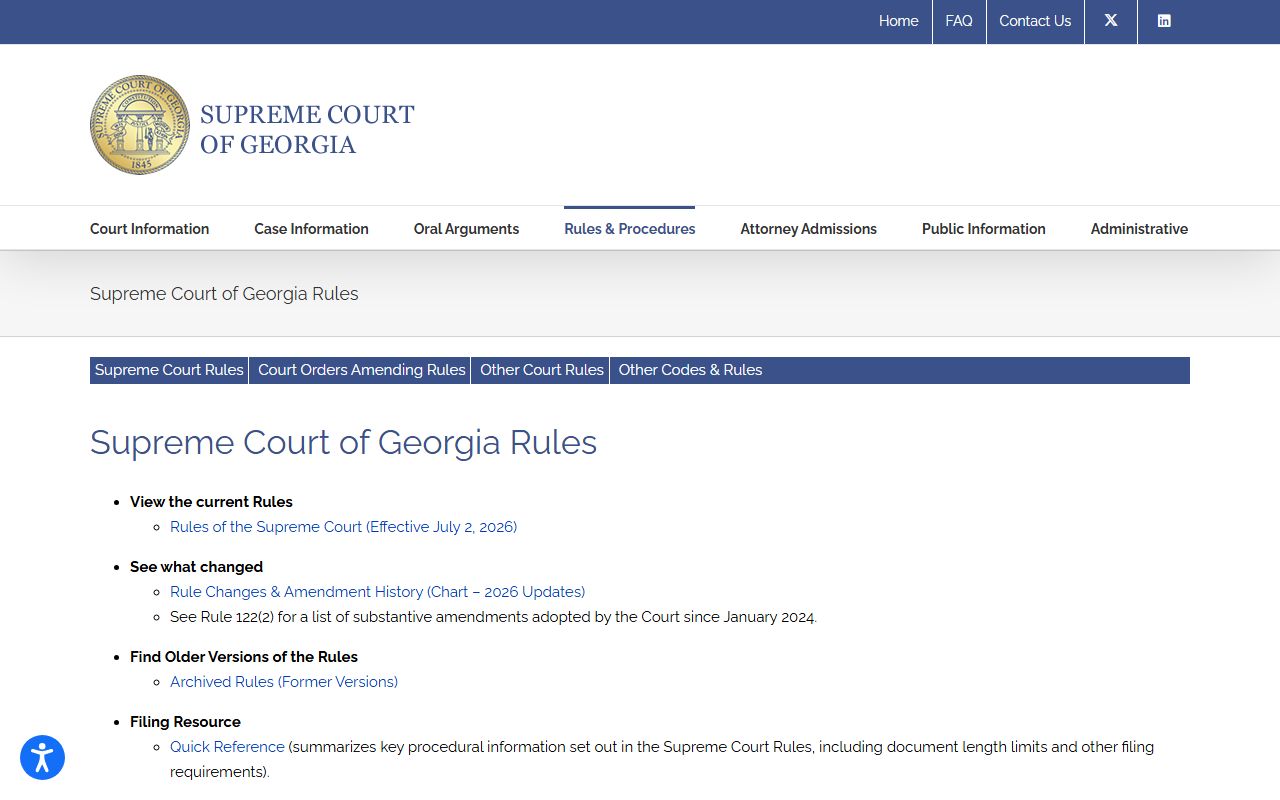
Rules pages can explain access limits, but the docket itself must be checked through Fulton County's court or clerk channel.
When a Fulton County court docket lists a future date, confirm the setting close to the hearing because calendars can change after continuances, resets, plea discussions, emergency orders, or judge-specific scheduling decisions. Jurors should follow the Clerk's jury-service instructions rather than using a docket search to decide whether to appear. Parties, witnesses, and attorneys should use the court notice, summons, or direct court communication as the controlling instruction.